MCP Server Deployment on AWS ECS With Docker Compose
Learn how to set up transport, containerization, and IAM before deploying to ECS.
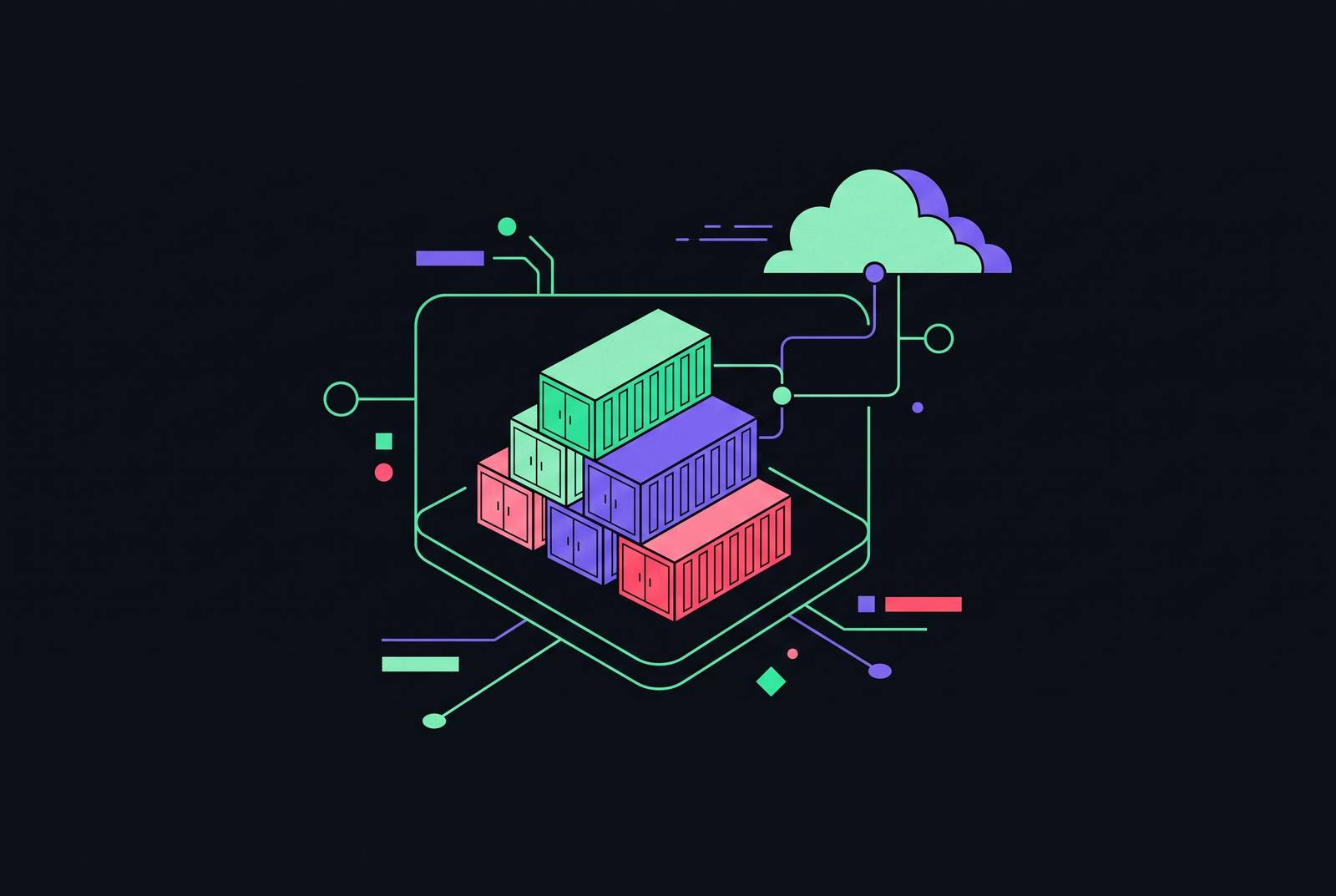
Deploying an MCP server on AWS ECS with Docker Compose follows a set sequence: containerization, IAM configuration, networking, and transport setup, each stage locking in choices the next stage has to build on. Skipping or botching one means everything built on top of it inherits the problem.
The Amazon ECS MCP Server fits into this picture as a tool, not the deployment itself. It's a component in the AWS MCP Servers collection, built to bridge AI-assisted development and a production-ready ECS deployment, and you can use it with any MCP-compatible AI agent or client, not just Amazon Q Developer. Its toolset covers the full lifecycle of a container: on the development side, it reads code and generates a Dockerfile along with a Docker Compose file for local debugging; on the deployment side, it provisions infrastructure through CloudFormation, sets up IAM, and polls the AWS SDK for task status; on the operations side, it gives a read-only view into clusters, services, tasks, and task definitions; for troubleshooting, it scans logs and event streams for known failure patterns; and when a service needs to come down, it handles dependency-aware deletion so nothing gets orphaned.
Docker Compose's job in this chain is narrow and specific. The containerize_app tool generates a Compose file meant for local development and debugging, not for production deployment itself. Its real value is keeping the local environment honest against what's coming later: the same ports, the same entrypoint behavior, the same expectations an ECS task definition will eventually enforce. Get the Compose file working cleanly on a laptop, and the surprises waiting in ECS shrink considerably. Every section that follows, from transport selection to IAM roles to network topology, builds on that local baseline.
Choosing a transport before writing a single line of Dockerfile
Before any Dockerfile gets written, the transport mechanism has to be settled, because it's the one decision that can't be patched after the fact without re-architecting the whole deployment. Transport decides whether the server can sit behind a load balancer, handle more than one connection at once, and meet the security expectations a browser-based client enforces.
The AWS MCP Servers repository recognizes two standard transport mechanisms: stdio and Streamable HTTP. Right now it supports stdio only, with active work underway toward Streamable HTTP. All servers dropped Server Sent Events (SSE) support in their latest major versions on May 26, 2025, so they could line up with the MCP specification's backwards compatibility guidelines.
What that means in practice: stdio works for local MCP connections between a client and server on the same machine, nothing more. A cloud deployment sitting behind an Application Load Balancer needs Streamable HTTP. If you run anything else in that spot, you get mixed-content blocking and gateway timeouts, the failure that occurs when a secure frontend client, like AgentCore Gateway, tries to reach a backend container still speaking plain HTTP. Streamable HTTP solves this because it gives a stateless endpoint that works cleanly behind a proxy. SSE, by contrast, can redirect to an insecure internal link, and a browser enforcing modern security rules will block that.
In code terms, this comes down to setting transport="streamable-http" when calling mcp.run(), then mounting the MCP app at a specific path, something like /mcp, using FastAPI. That mounting choice matters beyond the code itself: it keeps the health check endpoint and the MCP endpoint separate from the start, a separation the task definition step later depends on. If you get the transport wrong here, the networking and IAM work covered later in this piece never gets a chance to matter.
Writing the Dockerfile and building a production-appropriate image
With transport settled, the next concrete artifact is the image itself. The Dockerfile locks in five things: base image, architecture, dependency management, exposed port, and entrypoint. Each one has consequences visible later, in ECS compatibility and in security posture.
Architecture targeting is an easy miss with expensive consequences. If the ECS task will run on ARM64-compatible Fargate instances, the image needs to be built with --platform linux/arm64 using docker buildx build. A mismatch between the image's architecture and the task definition's OS/architecture setting stops the task from starting at all, and the resulting error won't always point back to the real cause.
Port handling deserves the same care. The port exposed in the Dockerfile has to match the port mapping configured in the task definition. When those two disagree, ECS doesn't throw a build error, it fails the health check, which is a much harder thing to trace back to its source.
A dedicated health check endpoint, something like /health returning {"status": "healthy"}, should live separately from the MCP endpoint at /mcp. Using the MCP path itself as the health check adds overhead for no reason. More importantly, ECS defaults to checking the root path, /, and if no handler exists there, the task will restart continuously even though nothing is actually broken.
Before any of this heads toward ECR, a local test run, docker run with the exposed port mapped to the container's port, catches the obvious problems early: wrong port, broken entrypoint, a Compose setup that doesn't match what the Dockerfile actually produces. It's a quick step, but it's the cheapest place to catch mistakes that get expensive once they're running inside a task definition.
Pushing the image to ECR and structuring the task definition
The task definition is where most ECS MCP deployments break for the first time, and the reason is almost always the same: two separate IAM role concepts that look similar on paper and get conflated in practice.
Getting the image into place comes first. The sequence runs through authenticating to the public ECR registry with aws ecr-public get-login-password --region us-east-1 | docker login --username AWS --password-stdin public.ecr.aws, creating a private repository, then following that repository's own push commands. The image URI that comes out of the private repository is what goes into the task definition's container configuration, not the public one used for authentication.
From there, the task definition needs two IAM roles, and they do different jobs. The task execution role is what ECS itself uses to pull the image and write logs, infrastructure-level work the platform does on the task's behalf. The task role is different: it's the identity the container's own code assumes at runtime, the credentials the MCP server itself uses when it calls AWS APIs, listing S3 buckets or calling Bedrock. Confusing the two is the most common IAM failure mode in these deployments. Attach AWS API permissions to the execution role instead of the task role, or skip attaching a task role entirely, and the container code either gets no credentials at all or fails with permission errors that look, at first glance, like a networking problem. That confusion costs debugging time precisely because the symptoms point in the wrong direction.
The ECS MCP Server's own deployment tooling handles this automatically, generating least-privilege IAM permissions through CloudFormation. For a manual setup, the same principle has to be applied by hand: the task role gets only the permissions the specific MCP server's tools actually need, nothing broader.
Port mapping has to match the Dockerfile's EXPOSE directive and the port the application actually listens on. Resource allocation, vCPU and memory, should track the workload: a lightweight MCP server running math or weather tools needs very little, while a server calling Bedrock or managing database connections needs real headroom.
The health check misconfiguration described earlier resurfaces here in a specific and disorienting way. If ECS checks the default root path instead of the server's actual /health endpoint, the result is a kind of zombie service: the task is running fine, but ECS thinks it's unhealthy and restarts it over and over. Anyone watching the cluster sees constant churn and assumes the application is broken, when the real issue is a one-line mismatch between the health check path configured in the task definition and the path the server actually serves.
Networking topology: why private subnets, ALB, and CloudFront belong in this order
The recommended architecture keeps ECS tasks in private subnets with no direct path to the internet. Traffic flows through CloudFront, with WAF attached, into an Application Load Balancer, and from there into ECS, with security groups restricting what each hop is allowed to talk to.
This layout solves a specific problem. AgentCore Gateway, like any HTTPS client, needs a secure endpoint to call. The ECS container, left on its own, speaks plain HTTP. The ALB terminates TLS, so the container itself never has to handle HTTPS directly, and CloudFront sits in front of all of it as the globally distributed HTTPS frontend. Inside the cluster, Service Connect, the pattern used in the aws-samples reference architecture, handles communication between the AI Service and multiple MCP servers using custom DNS names, keeping that traffic off the open internet.
Security groups enforce a simple rule at every hop: each component only accepts traffic from whatever sits immediately upstream of it. The ALB takes traffic from the internet. The ECS tasks take traffic only from the ALB's security group. A container configured to accept traffic from anywhere is unprotected, no matter how carefully its IAM policies are written. The ALB's listener and target group configuration has to point at the container's actual port and the correct health check path.
Authentication sits on top of all this network plumbing, and the MCP specification is specific about it. Where authorization is implemented, it requires OAuth 2.1 with PKCE, HTTPS on every endpoint, discoverable authorization server metadata, Protected Resource Metadata under RFC 9728, and Resource Indicator validation under RFC 8707 to stop a token from being redeemed somewhere it shouldn't be. OAuth 2.1 carries forward the role separation OAuth 2.0 established, keeping the token issuer, the authorization server, distinct from the resource server, so an AI agent proves its identity with a short-lived, scoped credential. The spec recommends access token lifetimes short enough to limit the damage from a leaked token, but long enough that you don't force constant refreshes during a tool-calling session.
The distance between that specification and what's actually deployed is substantial. A 2026 analysis of the official MCP registry found that only 8.5% of servers implement OAuth. The rest leave authentication entirely to network controls, so one misconfigured security group or one careless ALB rule change exposes the server directly.
Credential management for MCP tool calls running inside ECS tasks
Running behind a properly secured ALB and CloudFront controls who's allowed to call the server. It leaves unanswered what credentials the server uses once it's making its own calls out to a database, a cloud API, or some third-party service. Every one of those calls needs a credential, and how you source and store it decides whether the deployment stays secure or turns into a liability sitting quietly until something finds it.
The most dangerous pattern here is a hard-coded credential, baked into a configuration file or an environment variable set directly into the image. A 2026 security analysis found that 53% of MCP servers expose credentials this way. Once an image sits in a registry, or a task definition is visible in the console, those credentials are exposed to anyone with read access to either.
This is exactly where the task role versus task execution role distinction from the task definition step earns its keep. The execution role handles ECS's own infrastructure work, pulling images and writing logs. The task role is what the running container's code actually uses, and ECS's mechanism for this is the right foundation to build on: the container inherits short-lived credentials automatically, rotated on its own, scoped to exactly the permissions attached to the task role. No long-lived API key sits in the image, and none needs to.
The aws-samples reference architecture shows this pattern applied to the API key that protects the ALB endpoint. The CDK stack generates an AWS Secret, the secret's ARN comes out as a stack output, and the actual value gets retrieved at runtime with aws secretsmanager get-secret-value, never written into a configuration file where it could leak.
Scope matters as much as the mechanism itself. The task role's Secrets Manager permissions should name specific secret ARNs, not a wildcard covering every secret in the account.
Governance and audit coverage after the server is running
A server that's correctly containerized, correctly networked, and correctly credentialed still isn't finished if it produces no record of what it did. If an MCP server has solid infrastructure but no per-operation audit trail, it's a prototype wearing production infrastructure, capable of handling real traffic but unable to answer the question every security team eventually asks: what did this server actually do, and for whom.
Sources
- Automating AI-assisted container deployments with the Amazon ECS MCP Server
- GitHub - awslabs/mcp: Open source MCP Servers for AWS · GitHub
- GitHub - aws-samples/sample-ecs-mcp-server: This sample demonstrates how to deploy an Agentic AI architecture using AWS Fargate for Amazon ECS with AWS CDK. The sample features an AI Service that connects to multiple Model Context Protocol (MCP) servers to perform various actions · GitHub
- Deploying Model Context Protocol (MCP) servers on Amazon ECS