Self-Service AI Agent Tools for Non-Technical Enterprise Employees
Enterprises need security guardrails before letting non-technical workers deploy AI agents.
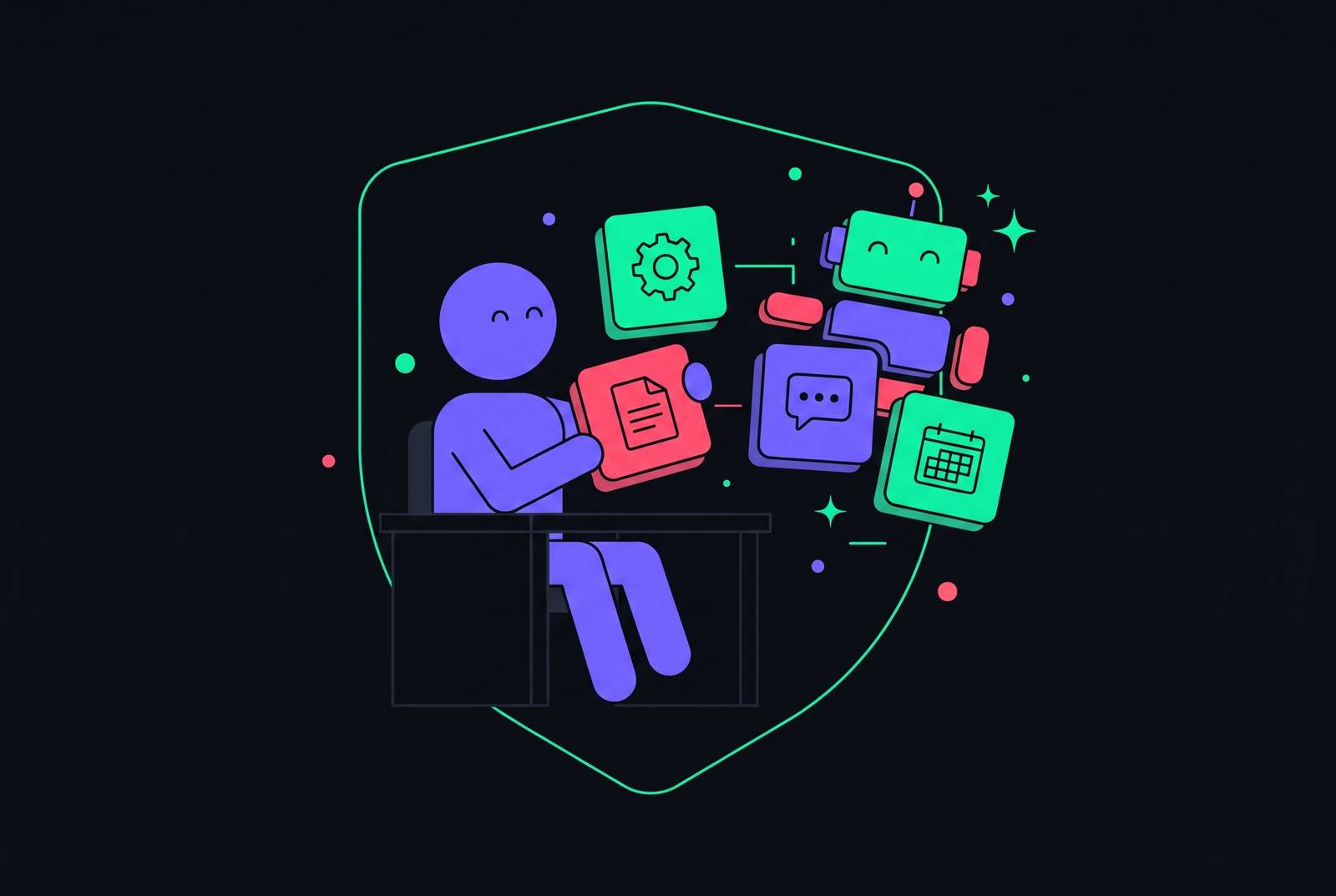
Self-service AI agent tools can let non-technical enterprise employees configure and trigger autonomous work without writing code. Rolling them out to thousands of people requires a structured path that handles connectivity, credentials, and governance before employees touch the interface. The platform must make the easy way and the secure way the same way.
Why most employees still can't use AI agents, despite the technology being ready
HR managers, IT help-desk staff, finance analysts, and customer experience teams have repetitive, policy-driven work to hand off. They are not developers, and they represent the large majority of the enterprise workforce. Yet using agents often takes skills that are outside their jobs. An agent that can complete a task is of little use to someone who cannot find it, connect it, or get permission to run it.
Microsoft Digital’s deployment blueprint for its Employee Self-Service Agent identified this navigation problem across more than 300,000 employees and vendors. Most employees had trouble finding the appropriate tools and resources. A structured path addresses that gap by settling system connections, credential handling, and governance before employees start configuring work, rather than turning each employee into an integration specialist.
What non-technical employees can actually do with agents today
Agents already execute recognizable workflows, including password resets, access provisioning, onboarding, ticket triage, expense auditing, and benefits questions. Non-technical employees can trigger these through tools they already use. The employee-facing surface can be a conversation, while the agent performs the actions needed to complete the request.
Microsoft’s Employee Self-Service Agent gives employees one interface in Microsoft 365 Copilot for HR support, IT support, and campus services. Campus services include real estate and facilities. Employees do not need a separate front door for each function. The agent is available at no extra cost to organizations whose employees already have Copilot licenses, making an existing workplace interface the entry point for agent-driven assistance.
Sana Labs’ 2026 enterprise guide describes a different organizational home for that conversational model. Sana describes itself as an AI operating system that works inside Workday’s governed context and process graph. It orchestrates Workday-native agents for Self-Service, Recruiting, Payroll, Planning, and Frontline work. Its interface mirrors Workday permissions and governance. The distinction is where the work sits, with Microsoft consolidating workplace assistance inside Copilot and Sana organizing Workday-native processes behind a conversation.
Why connecting an agent to enterprise systems is harder than it looks
When an employee configures an agent, that configuration also determines access to enterprise infrastructure. The interface can hide this relationship without solving it. Databases, APIs, file systems, and cloud services must be reachable before an agent can act across them.
Anthropic open-sourced the Model Context Protocol, or MCP, to give AI systems a standardized way to connect to those resources. Completing an enterprise deployment requires more than MCP’s common interface. Microsoft Digital’s blueprint makes the remaining work concrete. Its prerequisites included configured Power Platform environments, Data Loss Prevention policies, isolation guardrails, and functioning APIs and connectors for essential workplace systems. IT had to handle these before employees used the agent.
Agents need API keys, OAuth tokens, or service account access, and those credentials can end up in configuration files or grant more permission than a task needs. Gumloop’s 2026 enterprise guide describes Gumstack as a security layer that lets IT control tool calls and access to data while employees use the tools on their own. Without such a layer, platform engineers have to rebuild the plumbing for authentication and access for each team.
The security threats that emerge specifically when non-technical users connect agents to enterprise systems
Employees risk enterprise security when they cannot evaluate what they are connecting. MCP connectivity alone does not supply an enforced authentication and authorization system. Implementations must provide those controls. Without those controls, each new connection opens another way into enterprise data and systems, and the employee still has no reliable way to judge the risk.
A tool can behave legitimately when installed and change after receiving permission. MCP servers can change tool definitions, which can allow tool poisoning and rug pulls. Initial approval is therefore not enough protection. The protocol provides a change-notification mechanism, but clients must opt in, and many do not act on it or detect the changes. Permissions granted to one version of a tool can remain available after its behavior changes.
Overbroad credentials make that exposure worse. A customer service agent with read access to the entire CRM has authority beyond a narrow support task. A confused deputy creates a related failure when an MCP server uses its elevated credentials on an agent’s behalf, giving the agent access its own authorization never earned. The MCP specification forbids token passthrough, but implementation determines enforcement. Connections made without security review make both problems worse because they are missing from every inventory.
JFrog identified CVE-2025-6514 as a critical OS command injection vulnerability in mcp-remote, a transport proxy with OAuth support used in Cloudflare, Hugging Face, and Auth0 integrations. A malicious MCP endpoint could achieve remote code execution on the client machine. This was more than an incorrect agent response. It also shows why “just audit what employees connect” is inadequate at scale, because discovery can come after credentials have already been exposed.
What authentication and authorization must look like at the infrastructure level
A centralized gateway enforces controls in front of MCP servers, so each connection no longer needs to handle that work on its own. The gateway validates OAuth tokens, enforces scope-based routing, and produces a unified audit log. Employees never handle the raw credentials themselves. Individual servers behind the gateway can run without their own OAuth code, giving IT one control point instead of a separate security implementation for every tool.
The MCP specification’s July 28, 2026 revision sets out what is required at that boundary. Servers must use OAuth 2.0 Protected Resource Metadata, and clients must name the target resource in their authorization and token requests. Servers must reject tokens not issued for themselves. These requirements address the risk of accepting credentials meant for another service, while Dynamic Client Registration is deprecated. Where enterprise identity infrastructure already exists, the preferred approach delegates authentication and token issuance to an external OAuth/OIDC provider, with MCP acting as an OAuth 2.1 resource server.
User-delegated access uses Authorization Code with PKCE to act on a person’s behalf, while machine-to-machine access uses OAuth Client Credentials for unattended clients. Enterprise-managed authorization offers another route through the optional EMA extension. An administrator sets the policy in the company identity provider, so employees no longer need consent screens for each server. Employees should not have to reconstruct enterprise access policy themselves.
Standing keys and tokens should give way to task-scoped access tokens issued at runtime and revoked on completion. Each agent also needs a distinct identity. A support agent and a financial reporting agent must not share API keys or database credentials, because shared credentials defeat attribution and make it harder to limit each agent’s scope.
What audit trails and runtime permissions must capture when agents act autonomously
Static permissions set out what an identity is allowed to access in general. Runtime authorization allows or denies a particular action when the agent attempts it. Authentication alone cannot answer that second question. To control what happens after sign-in, the control layer needs to decide which actions are allowed and keep tamper-proof evidence of what happened, going beyond a record that an approved identity signed in.
An adequate audit trail records which agent acted, under whose authorization, what it accessed, what it did, and what changed. The final response is not enough evidence. A useful explanation from an agent does not demonstrate that every underlying access was authorized. Logs must make those access attempts reviewable and show that the controls operated.
The EU AI Act became generally applicable from 2 August 2026, with high-risk AI obligations deferred to 2 December 2027 and 2 August 2028 under the Digital Omnibus. HIPAA Technical Safeguards and the U.S. Treasury’s Financial Services AI Risk Management Framework also call for technical evidence that controls are in place, along with written policies. The distinction has consequences for audit readiness. Organizations cannot substantiate claims that they prevent unauthorized agent access without logs showing those controls in operation.
This exposes a gap between two governance layers. Model and policy governance covers the AI registry, bias and risk assessments, and regulatory mapping. Agent governance covers identities, app-aware permissions, the MCP gateway, and shadow AI discovery. The first does not replace the second.
How Microsoft's deployment of the Employee Self-Service Agent to 300,000 employees translated these requirements into practice
Microsoft Digital put the Employee Self-Service Agent on top of the Copilot infrastructure it already had, so employees could use it without putting together a new automation environment. That choice put a familiar interface above IT-managed governance and connectivity. The division of work was deliberate. Employees received workplace assistance, while IT handled the environment, data protection, isolation, and connections needed to support it.
The initial release concentrated on HR, IT, and campus services, with finance and legal planned as future additions. That scope gave the deployment a defined starting point without treating it as a fixed endpoint. Microsoft Digital’s blueprint describes the agent as flexible and expandable. The lesson for other enterprises is to choose their own functions rather than copy Microsoft’s service boundaries, with each expansion depending on the underlying connectivity and governance.
Access also depended on the employee’s licensing route. For employees without a Copilot license, Copilot Chat provides a route when an IT administrator enables access and configures pay-as-you-go or prepaid Copilot Studio message capacity for the environment. A conversational entry point still needs an organization to establish who can use it and how consumption is supported.
Microsoft’s Work Trend Index found that a large majority of knowledge workers used AI at work, nearly all said it saved time, and most said it helped them focus. Those findings cover AI use more broadly and do not measure what this particular agent deployment achieved. The deployment’s more specific contribution is its operating model. It shows how a large employee population can receive a simple interface without being made responsible for the infrastructure underneath.
How do you give non-technical staff agents without overwhelming IT?
A platform needs to absorb connectivity, credential management, and governance into one layer. Without that layer, fast-moving power users move ahead while other employees get stuck, teams wait for engineers to build integrations, and security teams lose sight of what is happening. These adoption failures are connected. A no-code builder without security still leaves controls to be put in place, while a gateway without an employee-facing interface still leaves employees needing a way in.
For employees, the structured path needs to let them set up work without code, choose from a broad library of pre-vetted integrations, and get started through familiar tools such as Slack or Teams. OAuth and credential handling must require no end-user configuration. For IT, that same path needs a single control plane over MCP servers, skills, and agents. SSO and SCIM must support identity tied to actions, while just-in-time credentials and tool-call policies constrain what agents can actually do.
Real-time detection needs to cover tool poisoning, prompt injection, and intent drift, supported by tamper-proof logs and action tracing to a named human identity. Shadow MCP discovery must also find connections that are outside the approved path. Otherwise, the platform governs only the activity it already knows about, leaving unapproved integrations beyond its view.
The evaluation follows directly from those requirements. An enterprise should ask whether every employee can reach agents through tools they already use and whether credentials are handled without employees or engineers having to set them up for each integration. It should also ask whether security can trace every action to a named identity and stop a misbehaving agent without taking down the whole workflow. Those are the tests of genuine self-service. Security and IT enable adoption when their guardrails are built into the path, rather than added as a separate obstacle each employee must clear.